
Athlete development for baseball teams
Baseball is more than runs and RBIs — it’s about helping athletes grow. PlayerUp gives coaches a simple, effective way to guide player development with targeted feedback, progress tracking, and session planning that actually supports growth. Download the modern Baseball training and coaching app.
Turn feedback into player growth
Great coaching moments happen every day — after practice, in the dugout, or mid-drill. PlayerUp helps you capture those insights and turn them into lasting improvement.
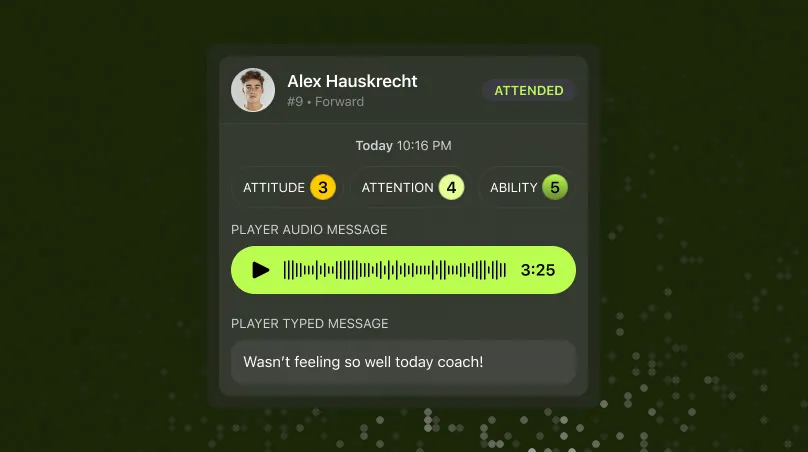
Share 1:1 feedback with players after games or practices
Capture key moments and reflections using PlayerUp — the Baseball coaching app built to strengthen player growth through meaningful feedback.
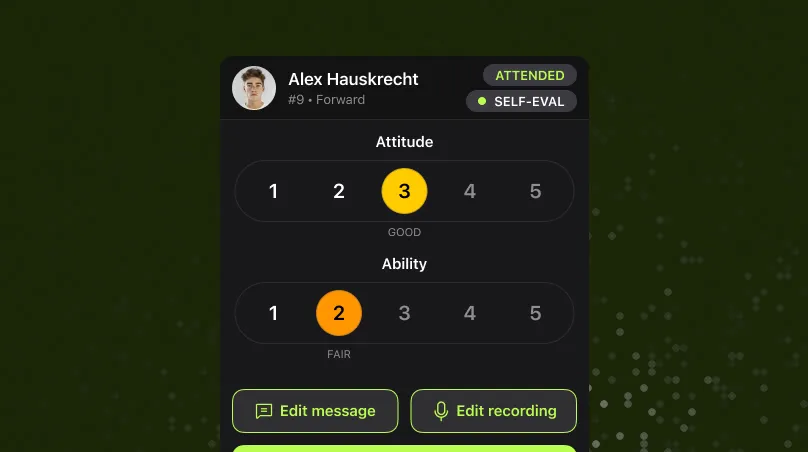
Track skills like shot selection, defensive effort, and court awareness
Easily record and measure progress with tools designed for modern Baseball training and player development.

Build a running record of growth and coaching conversations
Keep everything in one place — notes, messages, and evaluations — so you can focus on coaching, not tracking.
Measure what drives results
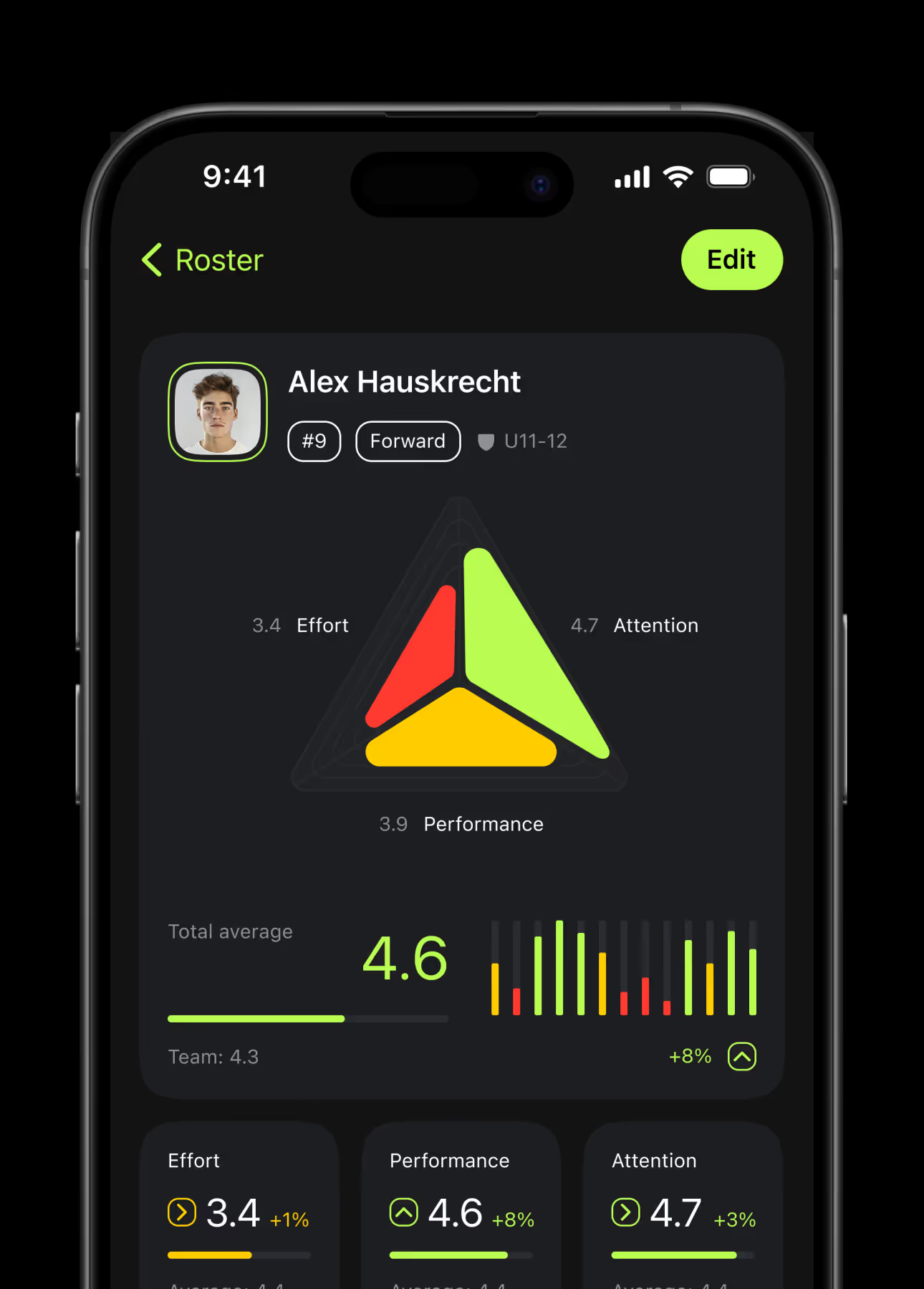
Build a record of progress and performance. PlayerUp helps you spot trends, track player development over time, and clearly communicate that growth.
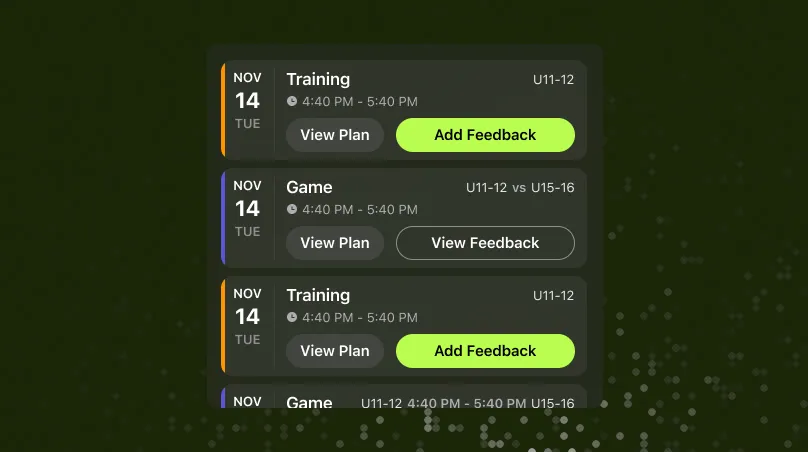
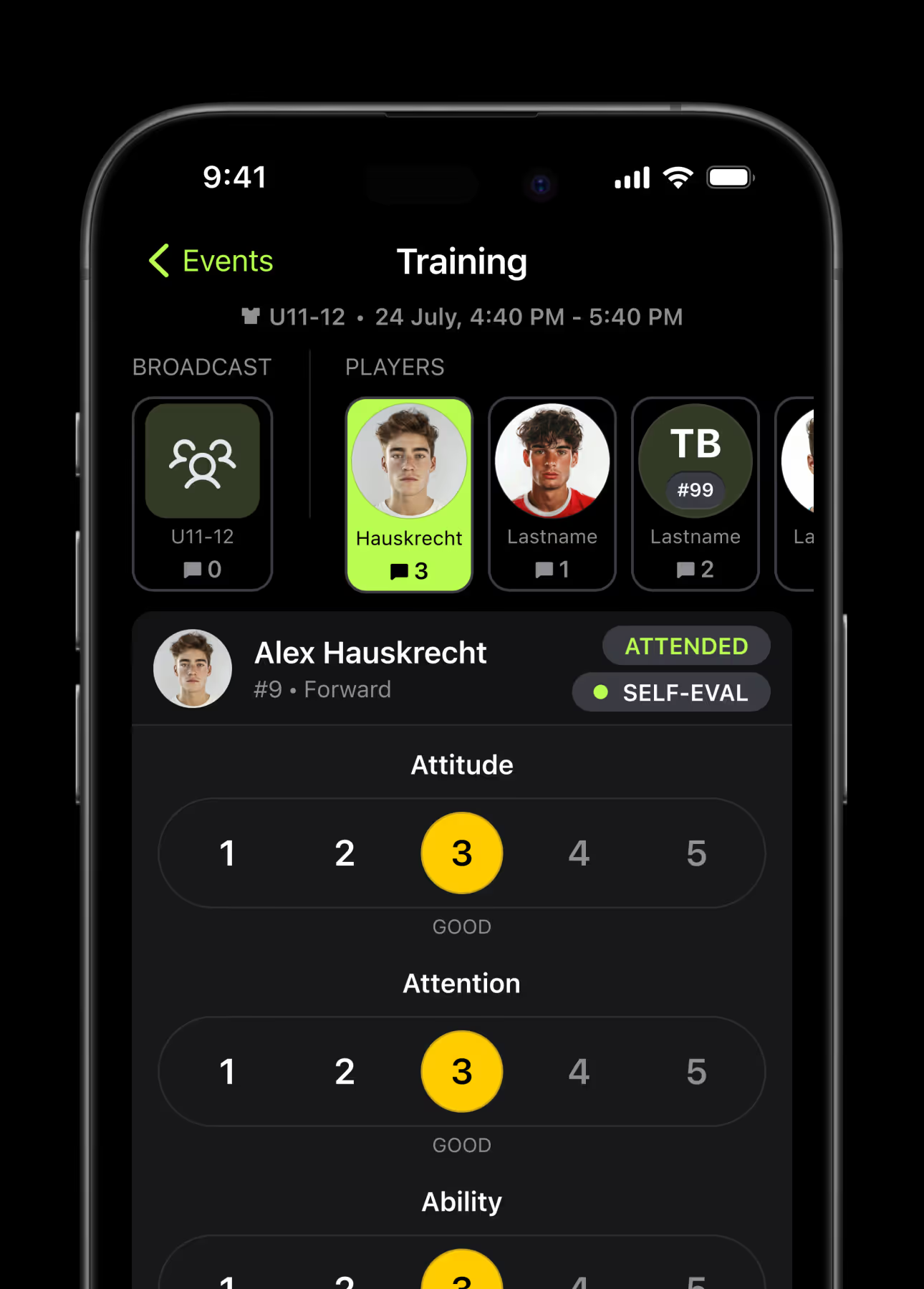
Rate performance after each session using your own metrics
Easily log stats, notes, and observations with the Baseball coaching app built for flexible evaluation after practices or games.
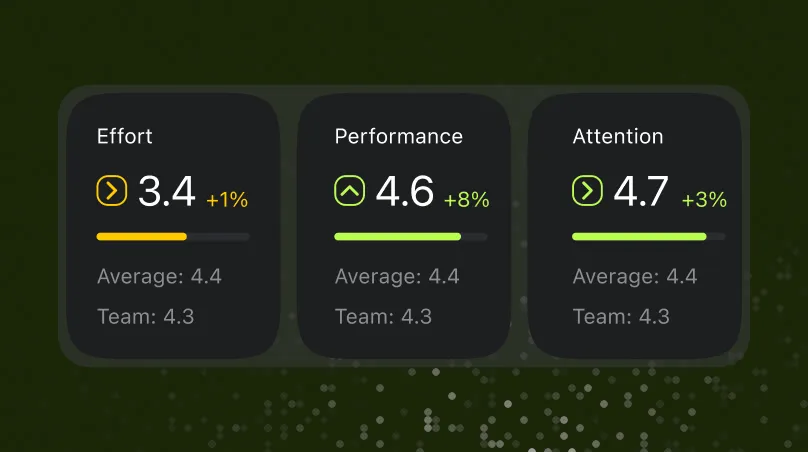
View trends and progress reports by player or by skill
Track development across key Baseball skills like pitching, fielding, and hitting — with insights that guide smarter coaching decisions.
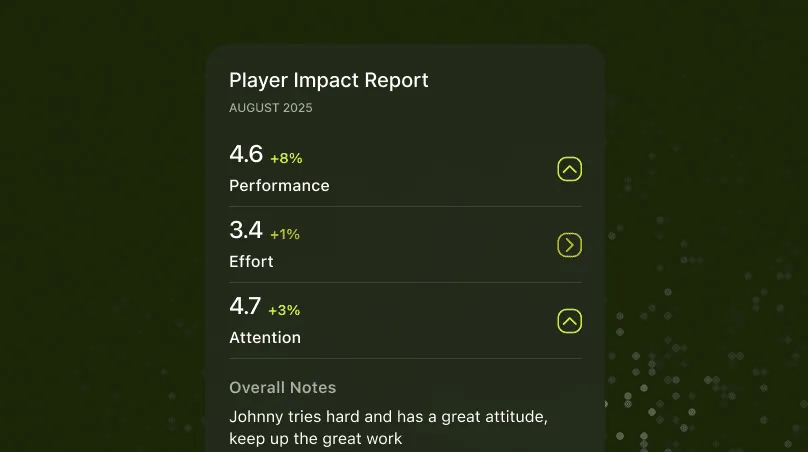
Keep players and families in the loop—automatically
Share performance summaries from the Baseball training app to keep everyone aligned on progress, goals, and development.
Plan smarter sessions
Whether it’s varsity practice or travel ball, PlayerUp helps you organize your time and get the most out of every session.
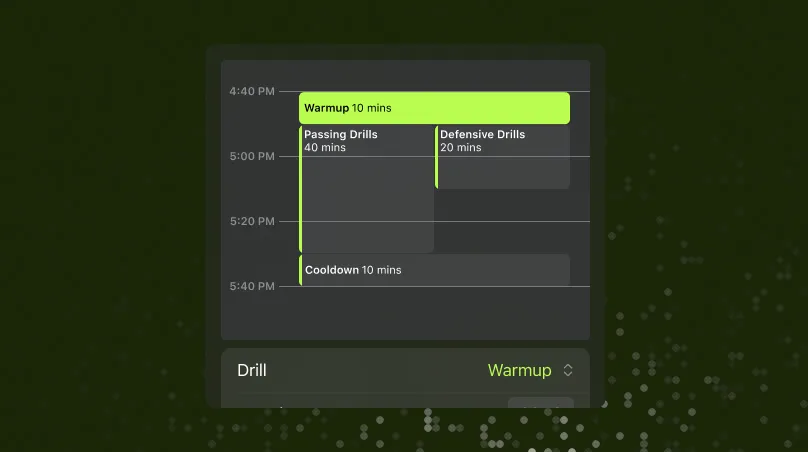
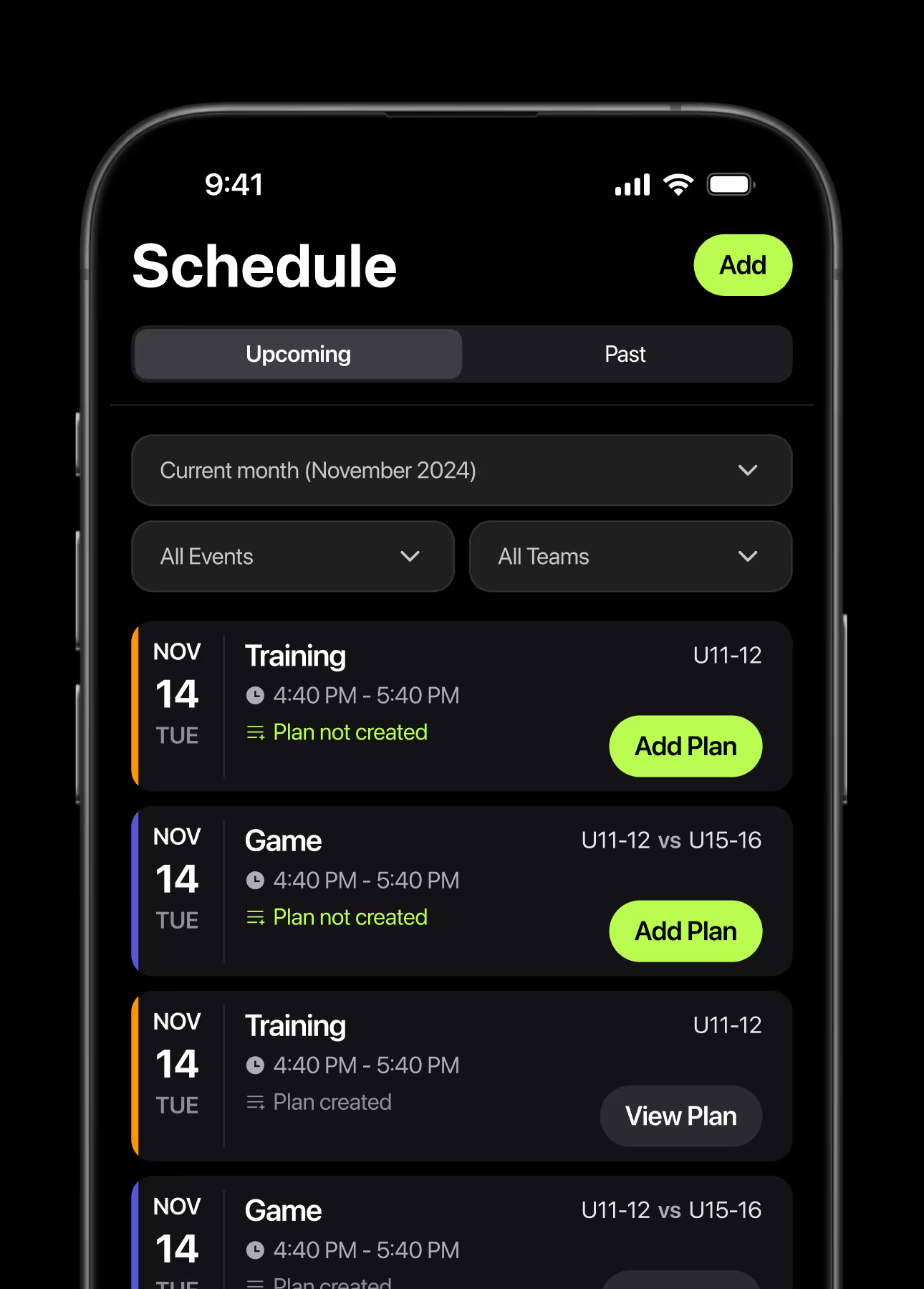
Plan drills and game plans in a few taps
Quickly build and adjust daily plans for practices or scrimmages with the intuitive tools inside the Baseball training app.
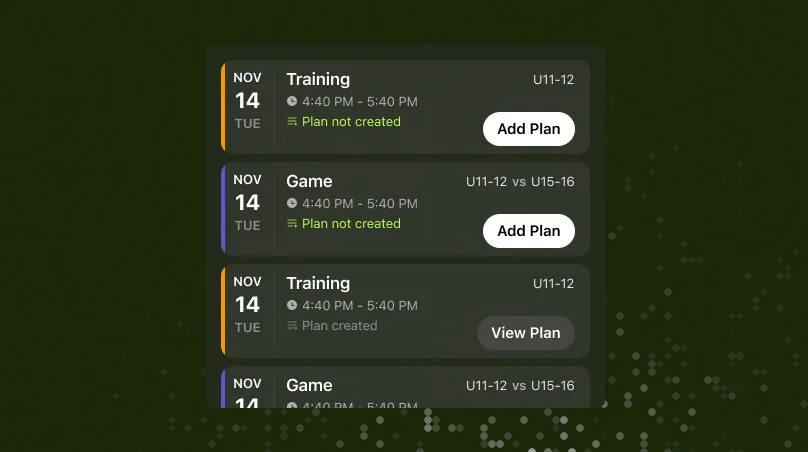
Sync with TeamSnap or other scheduling tools
Coordinate seamlessly and keep your Baseball coaching app in sync with your existing team schedule — saving time and reducing setup work.
Focus your workouts based on real feedback and trends
Use past session insights to fine-tune your next practice and help every athlete improve through smarter, data-driven Baseball coaching.
Master your strategy with the baseball drill planner
Efficiently design and run your baseball training sessions. PlayerUp provides powerful tools to create, organize, and manage drills — ensuring every session builds skills, sharpens strategy, and delivers results on the field.
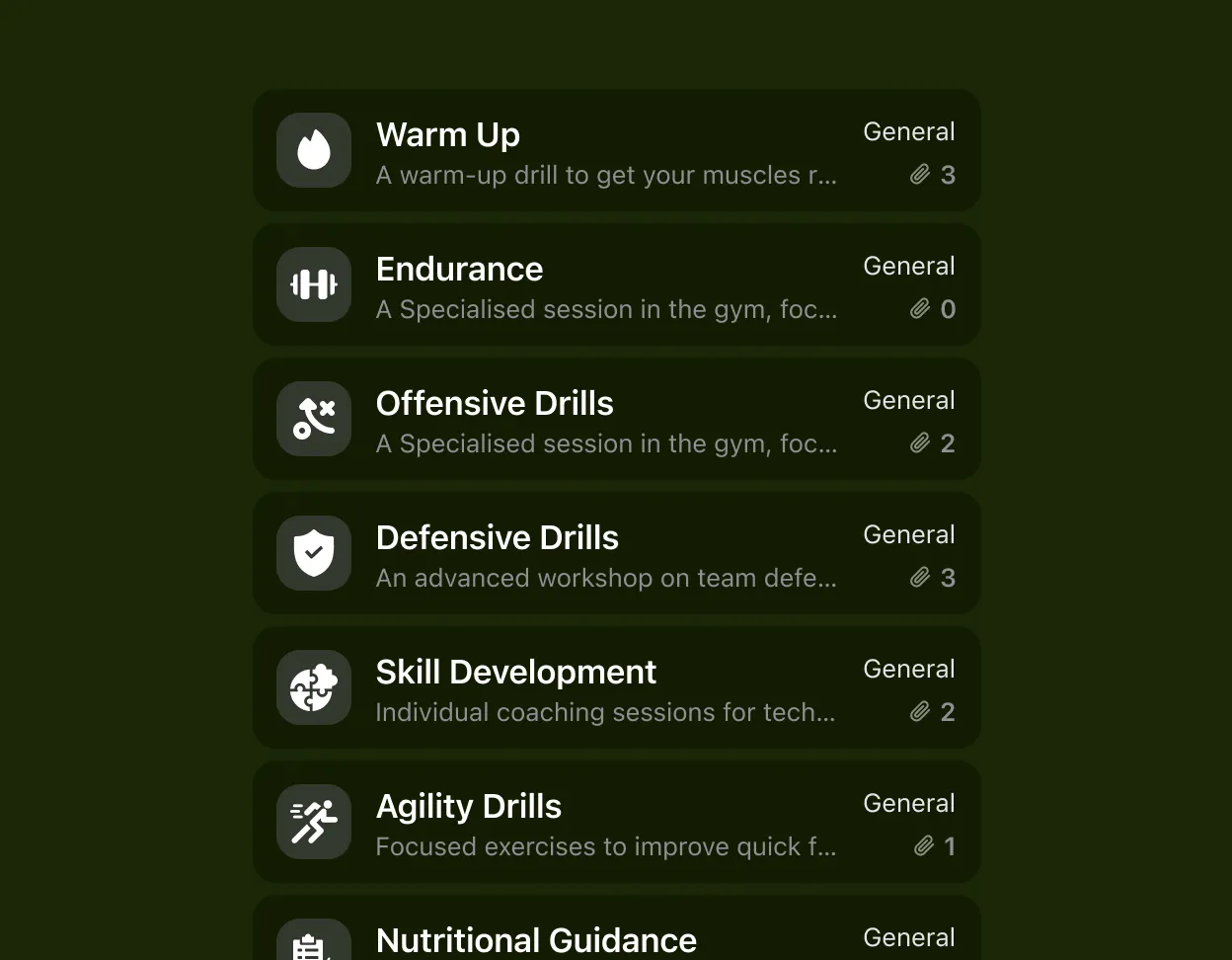
Curate your drill library
Create and save an unlimited library of baseball drills. Tag each by skill, position, or focus area for quick access and smoother planning.
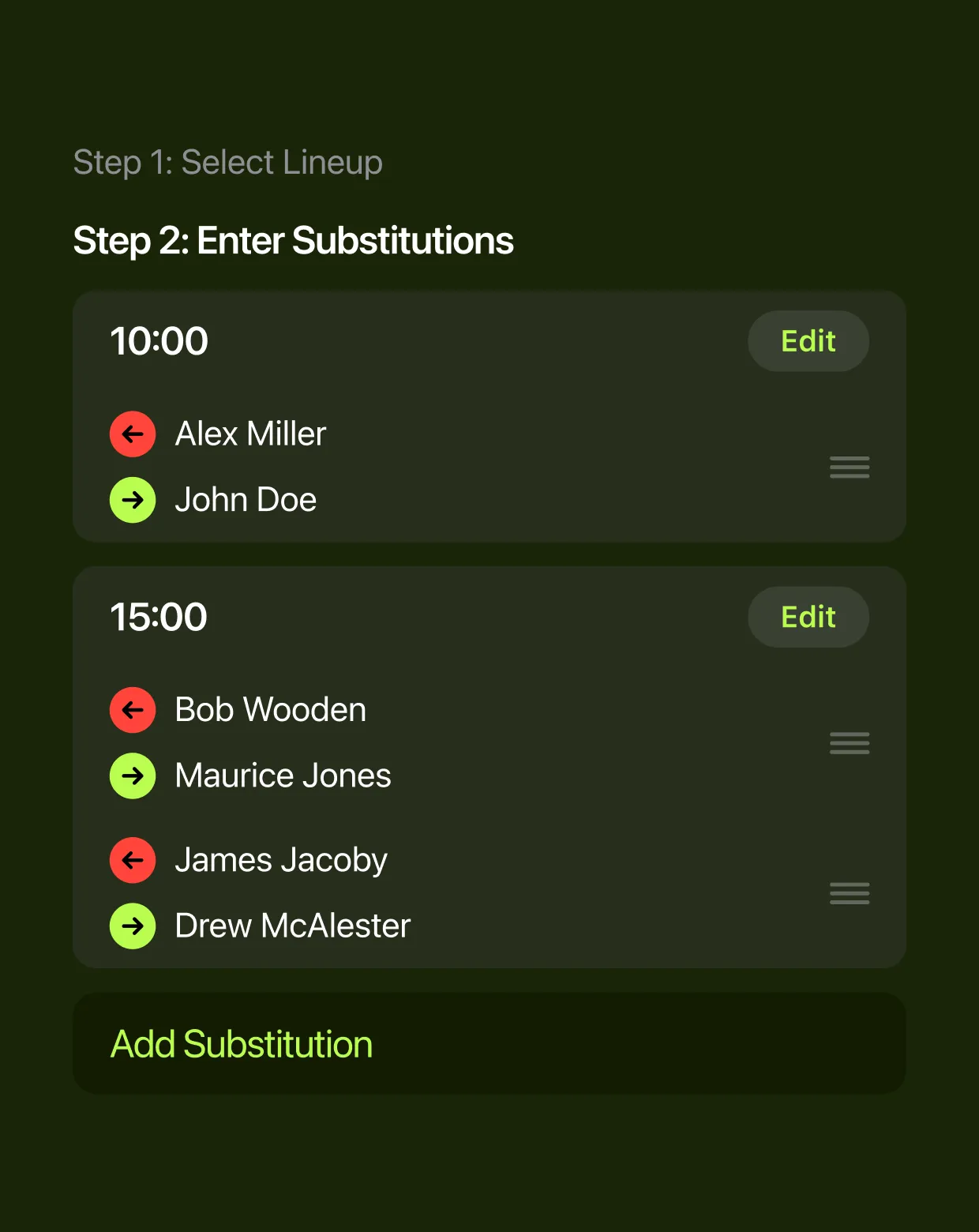
Plan sessions visually
Build practices in minutes with a simple drag-and-drop interface. Set durations, add coaching notes, and assign players — all from your phone.
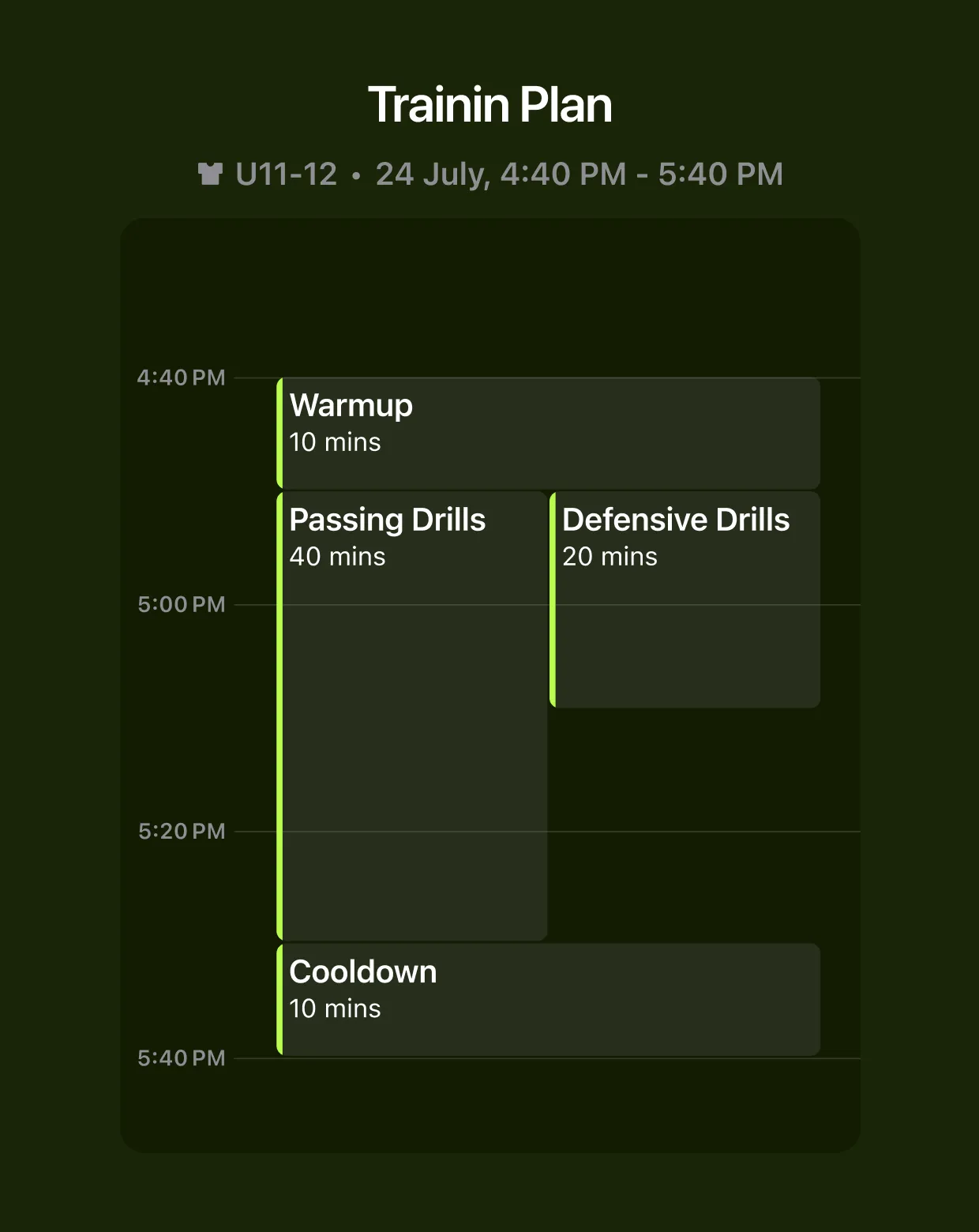
Design progressive training
Structure sessions across the season to build fundamentals first, then layer in advanced plays for consistent player growth and stronger team chemistry.
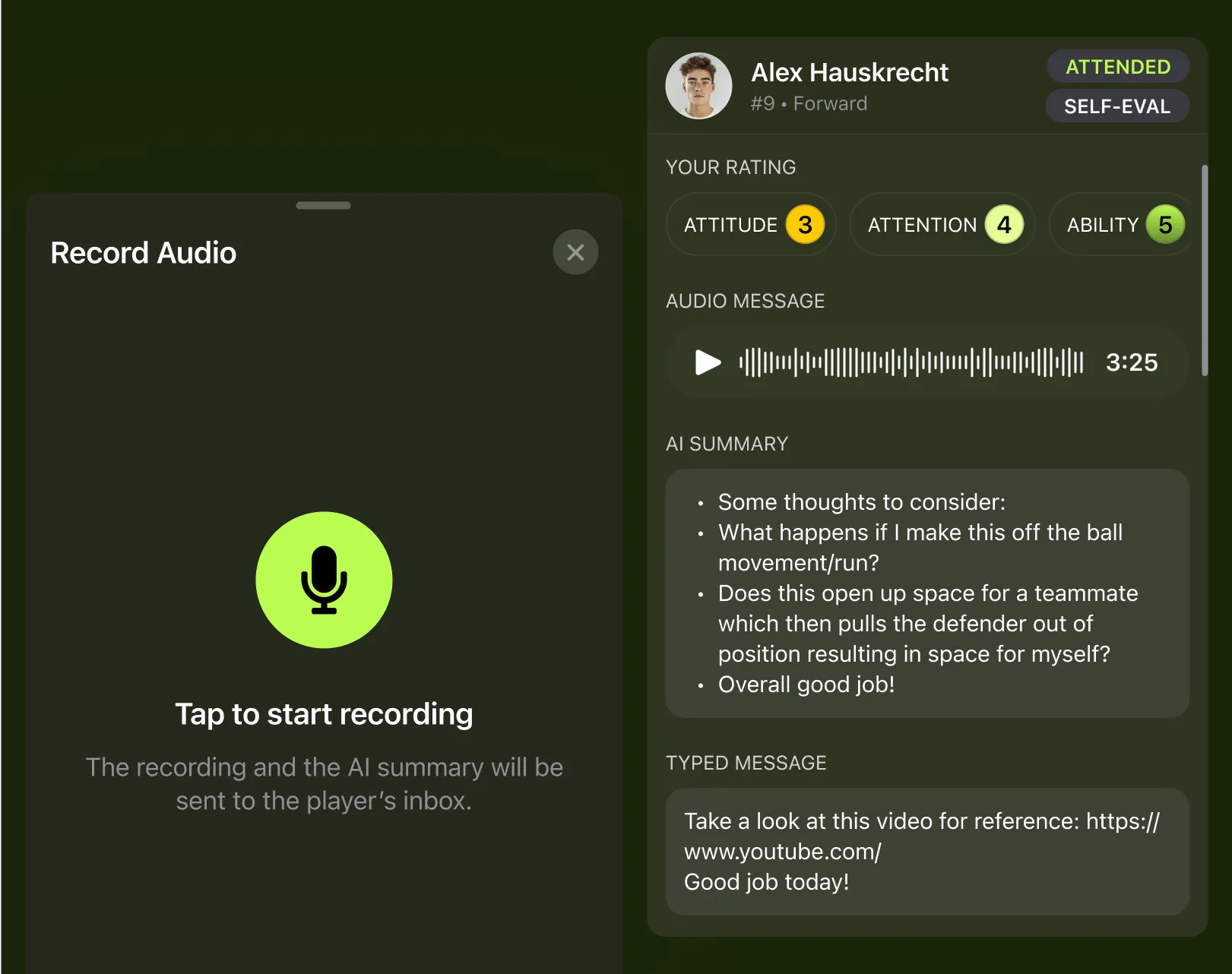
Capture coaching insights with AI
Record quick voice notes during practices or matches. PlayerUp’s AI automatically summarizes your thoughts into clear, actionable points—helping you track drill effectiveness and player progress without breaking focus.





Level up your Baseball coaching
Subscribe to our mailing list and stay ahead with the latest features and updates.